Enterprise Managed Settings Now Reach the Copilot App and Cloud Agent
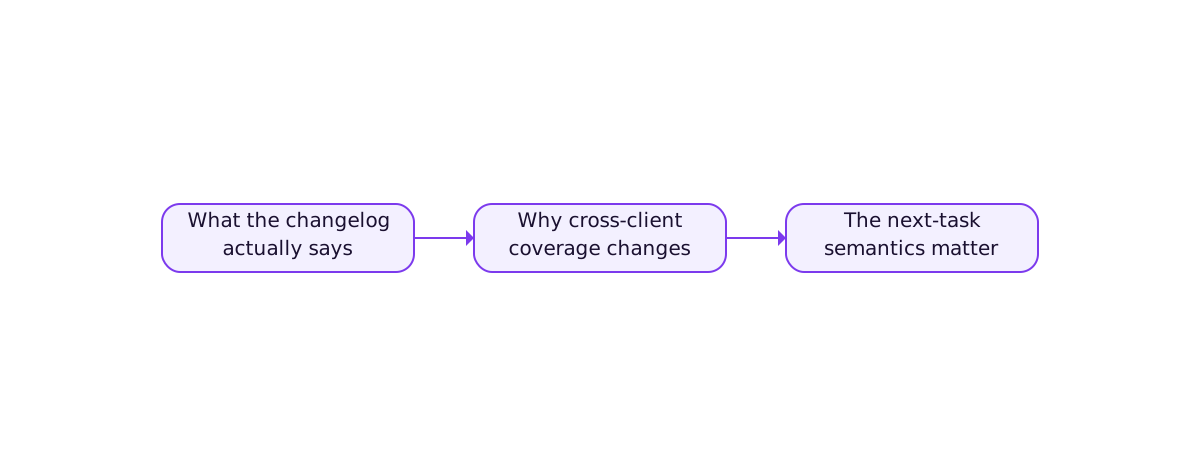
On July 27, 2026, GitHub extended enterprise managed settings to cover the GitHub Copilot app and the Copilot cloud agent. According to GitHub's changelog, the settings are delivered through a managed-settings.json file and govern plugins, marketplaces, and bypass-prompt controls. For teams running agentic development, the change matters because policy now follows the agent across clients instead of stopping at the IDE.
This is developer-tool coverage, not a note on factory operations. The focus here is the implementation and governance mechanics that an engineering team should understand when the same policy must reach a desktop app, a CLI, and an asynchronous cloud agent.
What the changelog actually says
GitHub states that enterprise managed settings now apply to the Copilot app and the cloud agent via managed-settings.json. The settings govern plugins, marketplaces, and bypass-prompt controls. The cloud agent observes managed settings on the next task assignment rather than mid-task. Bypass-prompt controls apply only to interactive clients: the Copilot app, the Copilot CLI, and VS Code.
Two boundaries are explicit in the source. First, the cloud agent picks up policy on its next assignment, which means a policy edit is not instantaneous for in-flight work. Second, bypass-prompt controls are scoped to interactive clients, so a non-interactive path is not governed by that specific lever. Both caveats shape how a team should write policy.
Why cross-client coverage changes the governance model
Before this change, a common gap in agentic development was client fragmentation. A policy that constrained Copilot inside VS Code did not necessarily reach the Copilot app a developer used on a second machine, and it did not reach a cloud agent running asynchronously against a repository. The result was either over-permissive agents or a patchwork of per-client configuration that drifted.
Extending managed settings to the app and cloud agent collapses that fragmentation for the controls the file governs. An admin can now express a plugin, marketplace, or bypass-prompt policy once and expect it to reach the interactive app, the CLI, and the asynchronous agent. That is a meaningful simplification for any team that treats agent policy as a first-class artifact rather than a per-developer preference.
Useful rule: Write agent policy once at the enterprise boundary. Treat per-client overrides as exceptions that must be justified, not as the default configuration model.
The next-task semantics matter for rollout
The changelog notes that the cloud agent observes managed settings on the next task assignment. That phrasing has an operational consequence: a policy change does not retroactively constrain an agent that is already running. If an admin tightens bypass-prompt controls while a cloud agent task is in progress, the in-flight task continues under the policy it observed at assignment time.
For rollout, that means two things. First, expect a propagation delay between a policy edit and full enforcement across asynchronous work. Second, if a change is urgent, the safe sequence is to edit the policy and then ensure no new cloud agent tasks are assigned until the policy is in effect. Treating managed settings as eventually consistent, rather than immediate, prevents the false assumption that an edit is already enforced everywhere.
Interactive versus non-interactive scope
GitHub scopes bypass-prompt controls to interactive clients: the Copilot app, the CLI, and VS Code. A non-interactive path, such as an automated pipeline invoking an agent without a human at a prompt, is not governed by that lever. This is a deliberate separation, and it is worth being explicit about it in team documentation.
The practical implication is that bypass-prompt controls are a human-in-the-loop guard, not a pipeline guard. If a team needs to constrain what an automated agent may do without a prompt, that constraint has to live somewhere else, such as repository permissions, branch protection, or an external policy check at the point where the side effect occurs. Relying on bypass-prompt controls to govern a headless agent would be a category error.
What to update in your team workflow now
- Audit
managed-settings.jsonas a single source of truth. Confirm that plugin, marketplace, and bypass-prompt controls are expressed there rather than duplicated per client. - Document the next-task propagation model. Make sure on-call engineers know a cloud agent picks up policy on its next assignment, not mid-task.
- Separate interactive from non-interactive controls. Do not assume bypass-prompt settings govern headless pipelines; enforce those constraints at the repository or API boundary.
- Add a policy-change runbook. For urgent tightening, define the sequence: edit policy, pause new cloud agent assignments, verify enforcement.
- Review plugin and marketplace exposure. Since managed settings govern both, treat a new plugin or marketplace entry as a policy decision, not a developer convenience.
The limit to keep in mind
Managed settings improve policy reach. They do not replace least-privilege credentials, repository permissions, protected branches, or external validation. A policy that says an agent may bypass a prompt is a workflow control; whether the agent is allowed to perform the underlying operation is still an authorization question that must be answered where the side effect happens.
In other words, extending managed settings to the Copilot app and cloud agent gives teams a cleaner policy surface for agentic development. It does not remove the need for hard authorization boundaries behind the prompt. The strongest setup combines one enterprise policy file with enforcement at the repository and API layer.
References
Agent policy surfaces evolve quickly. Verify current coverage, client scope, and propagation semantics against official GitHub documentation before adopting a production workflow.